Leveraging Facebook Events For Your Business
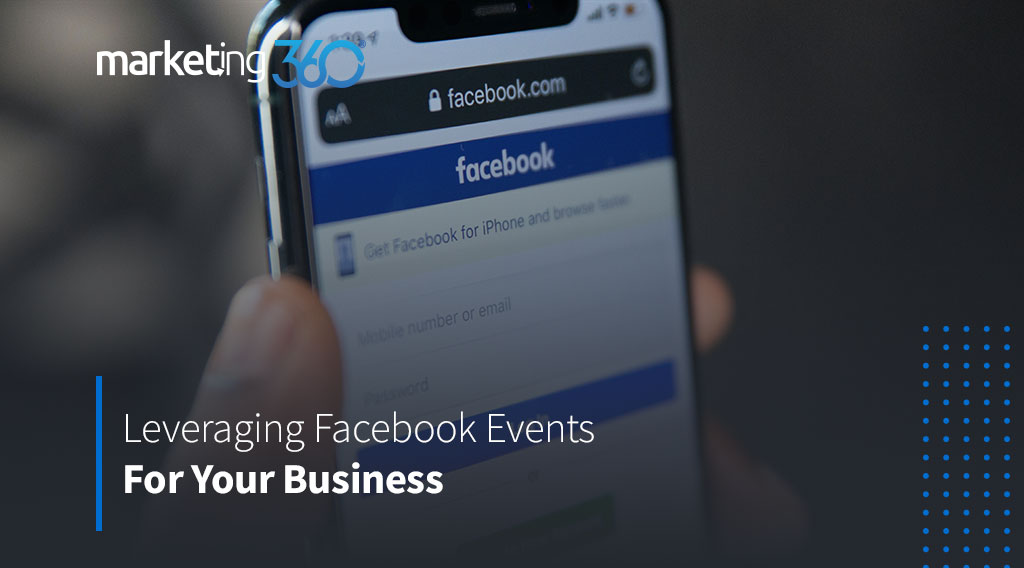
A Facebook event is a calendar-based resource that can be used to notify users of upcoming occasions.
Why should your small business be interested in using Facebook Events?
Considering that 81% of adults in America have Facebook accounts, Facebook has exploded into the event planning space and become one of the most popular event planning platforms online. Since nearly everyone has ‘Friends’ connections to everyone else, your event (and therefore your business itself) has the potential for continued community reach.
Facebook Events are also the perfect way to get users’ attention and keep it. With Facebook’s calendar connection, most people have their Facebook events connected directly to their smartphones for convenience.
What are some best practices for Leveraging Facebook Events?
It’s not enough to create a Facebook Event and hope for a massive turnout. You need to use strategies and campaigns to increase your Facebook event attendance. Businesses can fall flat in their attempts to get more Facebook Event attendance when they don’t promote the event outside of the first initial post. This is a huge mistake!
The more excitement you create for attendees leading up to an event the more engagement you will generate for your Event Page and, therefore, your Facebook Business Page.
Don’t forget that Facebook is designed to promote your event on a platform that your audience is already actively using.
- Facebook heavily promotes events to users, particularly in the app!
- Users can search for public events in their area without knowing about your event directly
- Friends get notifications when their friends are going to events (increases FOMO)
- Facebook Events are an easy way to track an event for updates and further details
How do you create a Facebook Event?
1. Plan and set goals
What are you trying to accomplish and how will you track it? How will you determine if your event was a success for your business?
2. Optimize for Facebook Event attendance
Start with an attention-grabbing name; your name is your story! Also, consider the keywords that users may type into a search bar, and place those keywords in your description. Additionally, choose an eye-catching event photo that will stop people from scrolling and read. Finally, create a sense of urgency to get people excited about your event, include a call to action to attend or accept your invitation, make them feel like they’ll miss out if they wait!
3. Create your event
The left of your Facebook page has an ‘Events’ button. Click ‘+Create’ and fill in your details, it’s OK if you do not have all of them yet, that’s what the next step is for. However, it is important to get your information out there to ramp up initial engagement.
Pro tip: People tend to care more about your content if other users interact with it because it signals that this is something worth engaging with. To keep your event from looking uninteresting when you first start promoting it, consider inviting friends, family and colleagues to say they’re attending the event before you dive headfirst into advertising it. This will help the event gain traction a little quicker by inspiring that FOMO, boosting event attendance in the long run.
4. Create a Facebook Page for your event
With this page, you can regularly update attendees and interested parties with content, like:
- Reminders
- Behind-the-scenes info on preparation
- Crucial information, like where to park
- Exciting updates about new things
5. Post updates regularly
You should post about your event regularly, sharing updates of the event to your main Page while linking back to it and posting new updates to the actual event page, too. The former helps send your followers to the event so they don’t miss it. The latter will help increase engagement on the event, keeping people invested in it.
You can also incorporate polls or questions to engage your audience by requesting their guidance and voice. Also, encourage people to invite their friends or share your event page to gain additional exposure.
Pro tip: It is important to make sure you don’t have a ton of videos and GIFs on the page you’re linking to, or Facebook may bury your post due to slow load speed.
6. Subscribe for Facebook Ads
Once your event is created, just find and click ‘Boost Post’ near the top of the event page. This can help spread your message to an even wider audience.
7. Cross-promote your event on your other social platforms and in your own stories
Cross-promoting your event on other platforms is always a good move. Some brands’ audiences will be more active on Twitter or Instagram instead of Facebook, for example. Additionally, posting your own stories will help keep your event in front of your target audience.
8. Run retargeting campaigns with event custom audiences
You can create a custom audience for users who responded “Going,” “Interested” or both to your event. You have the ability to run a retargeting campaign designed to encourage this audience in particular to register for the event. Remember, they’re already interested, so you just have to get them to convert.
9. Go live
Your audience is extremely active, so consider doing a live broadcast, real-time video at your event for additional last-minute engagement and possible attendance. Sometimes, people are sitting on their couch just waiting for something exciting to come along, why shouldn’t that be your event?
Some people are interested in looking behind the scenes and others want to see their peers enjoying an event before they attend.
10. Evaluate
Did you accomplish your initial goals? Were you able to determine if your event was a success for your business? What approaches were most successful for your event? What would you do differently next time?
In Conclusion
Facebook Events have the potential to increase your event attendance significantly and make it a huge success. This potential can only be fulfilled if you promote it properly.
Resources:
- https://assetlab.us/13-ways-to-leverage-facebook-events/
- https://webmobi.com/blog/5-best-ways-leverage-facebook-effective-event-marketing/
- https://www.agorapulse.com/blog/increase-facebook-event-attendance/
- https://sproutsocial.com/insights/facebook-events/
Written by Ashley Garcia, Social Media Content Manager

Ashley Garcia is a content creator, photographer, and marketing professional in Fort Collins, CO. She is the Co-Founder of @hungryhungry_hipsters on Instagram and a Social Media Content Manager at Madwire.