Some Rpower FAQs
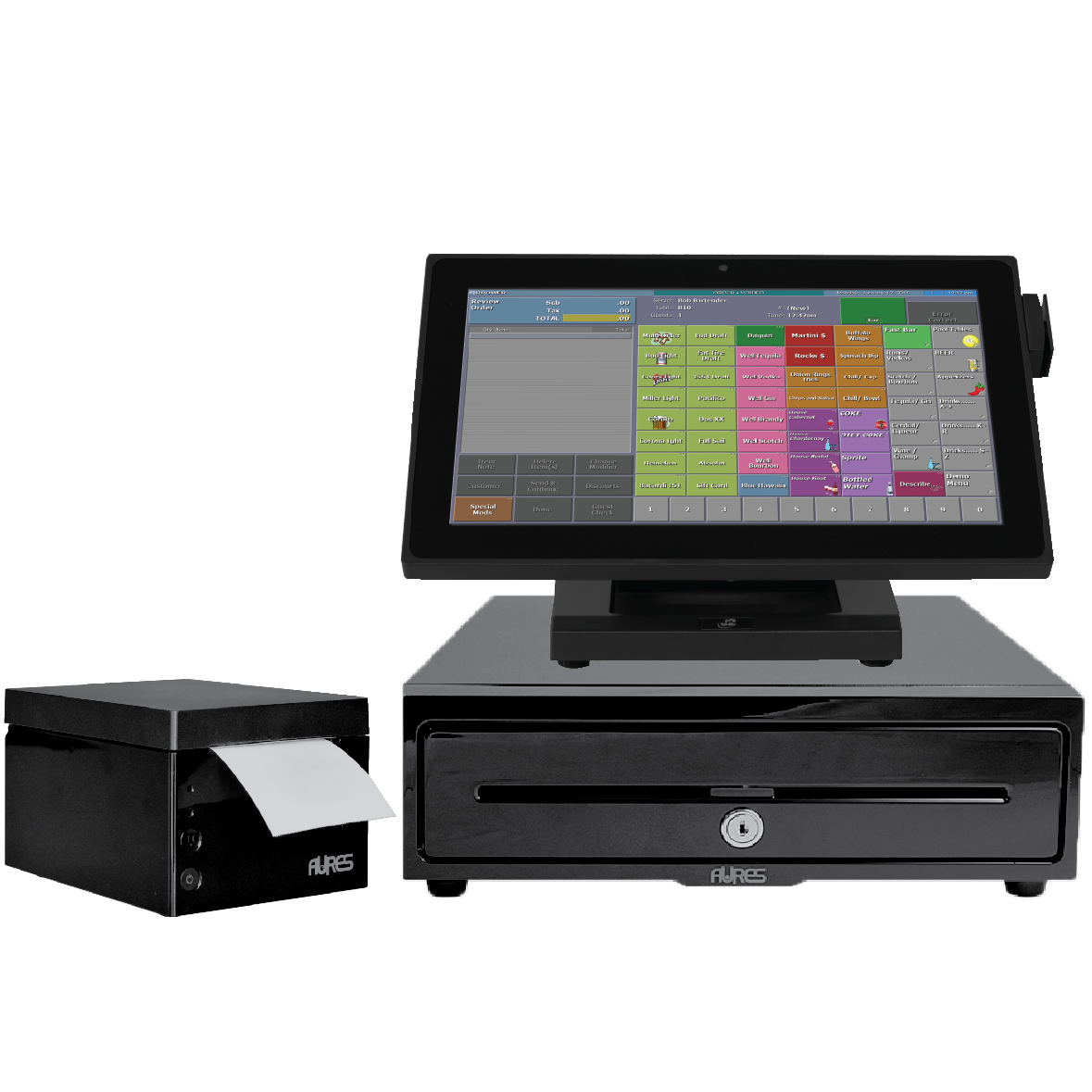
How do I use the quantity buttons?
Quantity buttons, are displayed across the bottom of the Order Entry panel. To order four items, touch “4″ and then the item. If seat buttons are displayed instead, touch any “Seat” twice to display quantity buttons.
How do I fix my printer if it stops Printing?
- Make sure paper is loaded correctly and power cycle (turn off/ turn on) the Printer.
- Confirm Green indicator light on the Printer.
- From the Main Screen press “Other Options” until you see “Manager”.
- Select “System Maintenance” in the Manger Menu.
- Press enter “Site Code” and then press “OK”. (Do not Change any of the displayed numbers)
- Log back in and print a receipt.
How do I find a closed check?
- From the Main Screen press “Other Options” until you see “ Find Check”
- Press “Find Check”
- Select the Method you wish to search for the Check. ( Last 4 of CC, Check #, Amount)
- Enter Info and Hit “OK”.
- Check will pull up
How do I pay money out(or in)?
- Note:A manager’s Passcode may be required to perform a Paid Out/In.
Touch “Other Options”/”More Options” to locate “Pay Out/In” and touch it. If requested, enter your Passcode at the prompt.
Select a “Paid-Out” or “Paid-In”. If prompted, select a Payment Method. Enter the amount to be paid out or in and touch “OK”.
- Note:If no Payment Method window is presented cash is assumed.
- Tip:If “Other Options” is not available because a dining room, server, table or check selection window is displayed, touch “Switch Room” and then “Back” (graphical tables) or just “Back” (traditional tables).