How to Use Your Point of Sale to Limit Inventory to 15 Minutes a Day
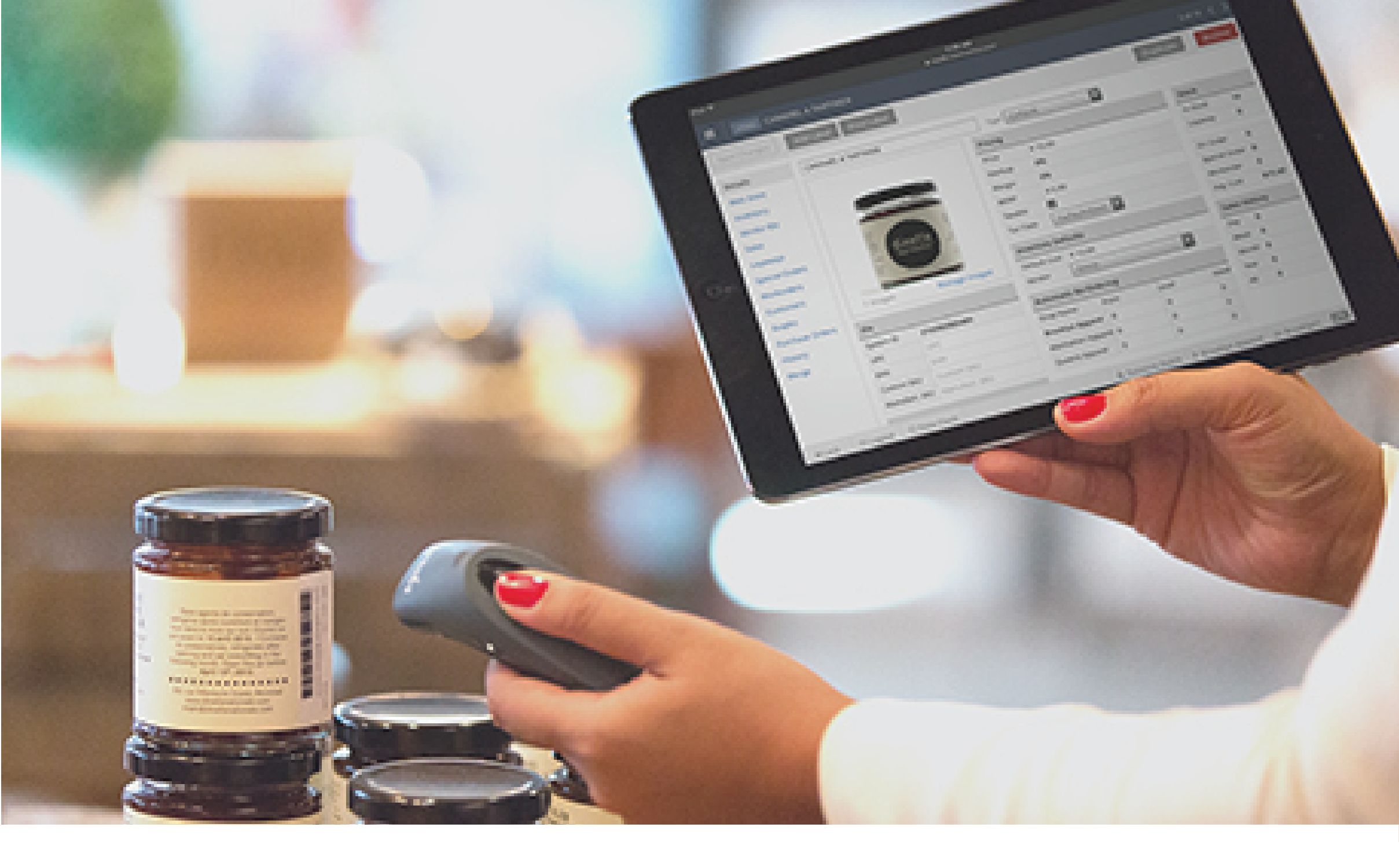 When the New Year arrives, many people make personal goals, stretching from losing weight to traveling the world. But your New Year’s resolution can stretch beyond your personal life and extend into your business. Inventory management is one of the biggest time commitments many business owners have, but inventory management doesn’t have to be so burdensome. By using the full functionality of your Point of Sale (POS) system, you can keep your inventory management to under 15 minutes a day.
What Can You Do With Inventory Management?
Depending on the specific POS you use, the inventory management functionality may vary. However, there are a few functionalities that you should seek out when selecting your POS. These core utilities will help you get the most out of your POS, and, equally important, will help you lessen the time you spend on your inventory management.
1. Manage Bulk Inventory Imports
Start your inventory management off right and lessen your time spent by bulk importing your inventory. Whether you are importing new inventory or transferring inventory over from an old POS or online store, your POS can help you quickly update your inventory. Simply save your current inventory as a CSV file and upload it into your POS. This function alone can cut out hours of inventory work, allowing you to immediately jump into inventory management when you receive a new shipment.
2. Instantaneously Bundle Products
Creating packages of some of your bestselling inventory? You don’t have to do it by hand. You can group your inventory to create gift baskets or form a set, such as a box of wine. You can even use your inventory management tool to reverse your efforts later, when you no longer want to sell things in groups. This handy tool allows you to quickly and easily create sales and offers, and just as quickly helps you dismantle them.
3. Barcode and Label Curation
Updating inventory by scanning labels or reprinting labels doesn’t have to be a big deal. With the use of your POS, you can effortlessly add products, purchase orders, stock takes, and supplier returns to your inventory. Using a barcode scanner or USB, you can quickly scan barcodes or relabel inventory as you need to, instead of saving up the task and spending countless hours later.
4. Highlight Best Sellers
Your inventory management program can help you easily highlight your best and worst inventory sellers. With a simple report, you can see what items you need to order more of and which items you need to put on sale. This function will take the leg work out of your inventory strategy.
5. Keep Your Products Organized
Every business has its own organizational system, and your inventory management tool can help you define and adhere to yours. Whether you already know how you like to organize your products or need some direction, your inventory management system can help you categorize your products by name, type, brand, supplier, supplier code, SKU, handle, and tag. These functions will help you to easily build reports, review inventory counts and coordinate your online store collections, all with minimal time and effort.
6. Track Your Profit Margins
With a large inventory, it’s hard to understand what is moving in and out of your business and what your profit margins are. Begin tracking your profit margins during your bulk inventory importation, when you mark the wholesale cost of your inventory. Your inventory management system can later provide a snapshot of your profit margin, highlighting which items are working best for your business and where you need to improve.
7. Manage Your Inventory from Anywhere
No matter how much time you’re spending on your inventory management, you can rest easy by checking in or completing inventory anywhere. Simply log on to your POS from your phone or personal computer and you can check in on your progress. Forgot to update your inventory? No problem. With the ability to quickly and easily access your inventory from anywhere, you can avoid letting tasks build up and consuming time later.
Keeping Inventory Management to 15 Minutes a Day
By using the above inventory management functionalities every day, you can take charge of your inventory and spend minimal time on it daily. Do you have additional inventory problems? Your inventory management system should be able to help them, too. Simply talk to your POS representative to unlock the full capacity of your inventory management system.
Does your POS offer your business the support and inventory management you need? Are you ready to simplify your business with the use of a new POS? Marketing 360 Payments can help. If you are ready to talk with a Marketing 360 Payments representative about the right choice for your business, contact us today.